
CAD blocks
Car and Vehicle CAD Blocks
-
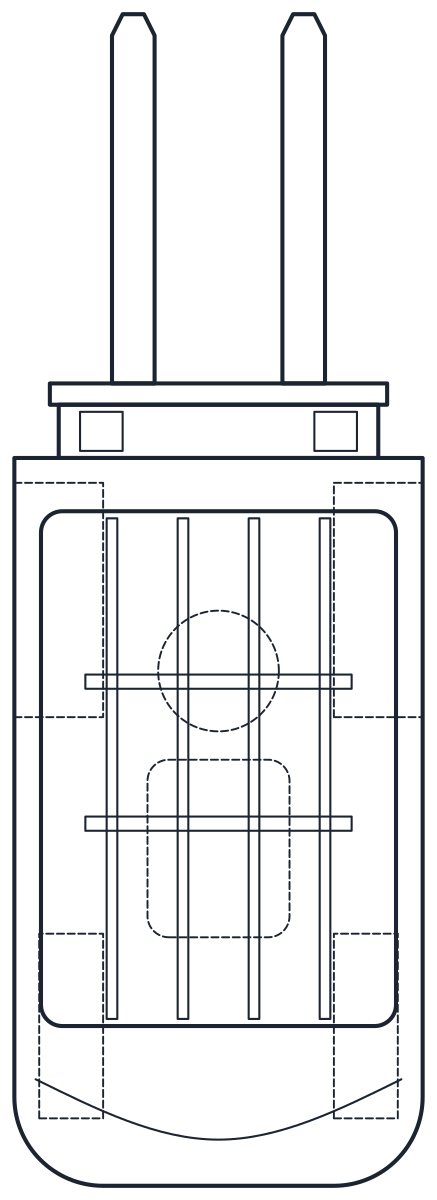 Vehicles Forklift CAD Block
 -
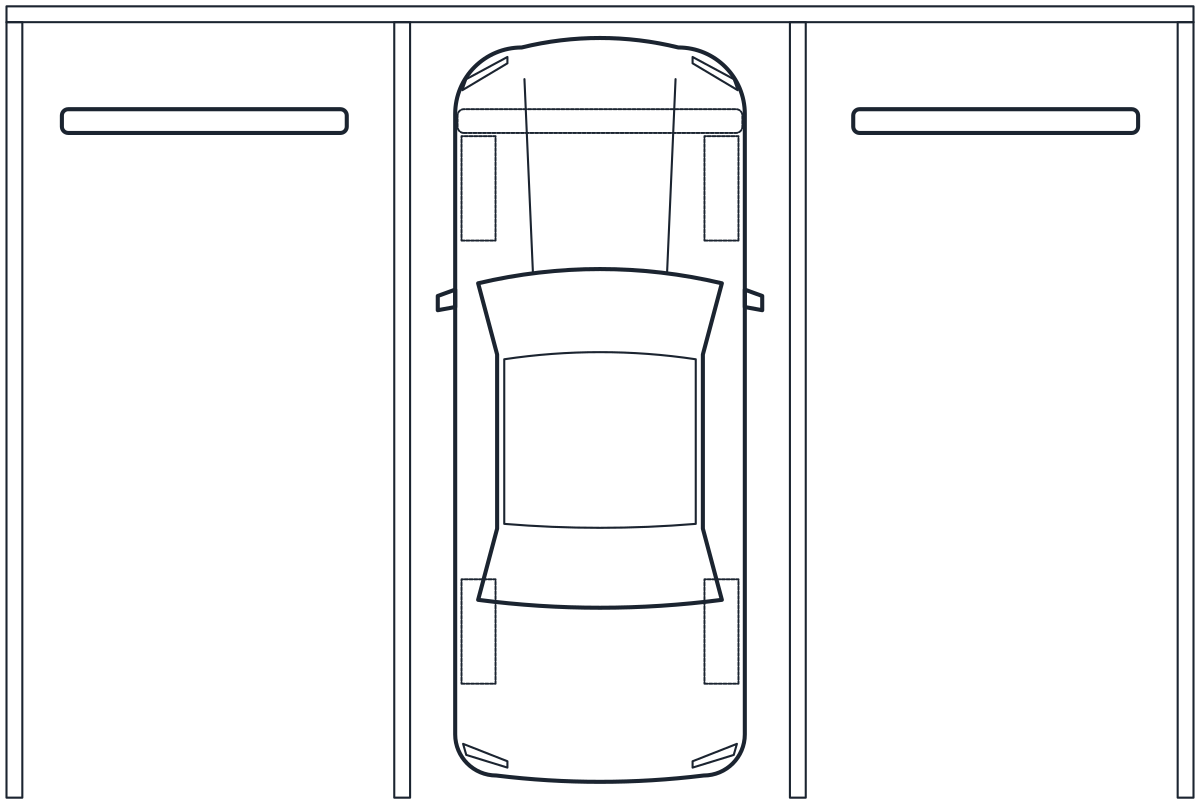 Vehicles Parking Lot CAD Blocks
 -
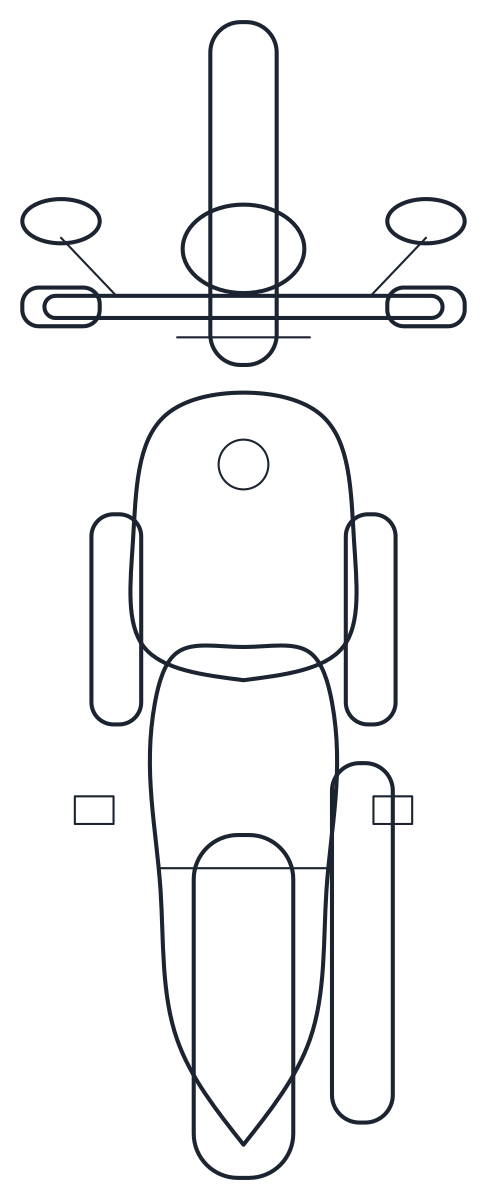 Vehicles Motorcycle CAD Blocks
 -
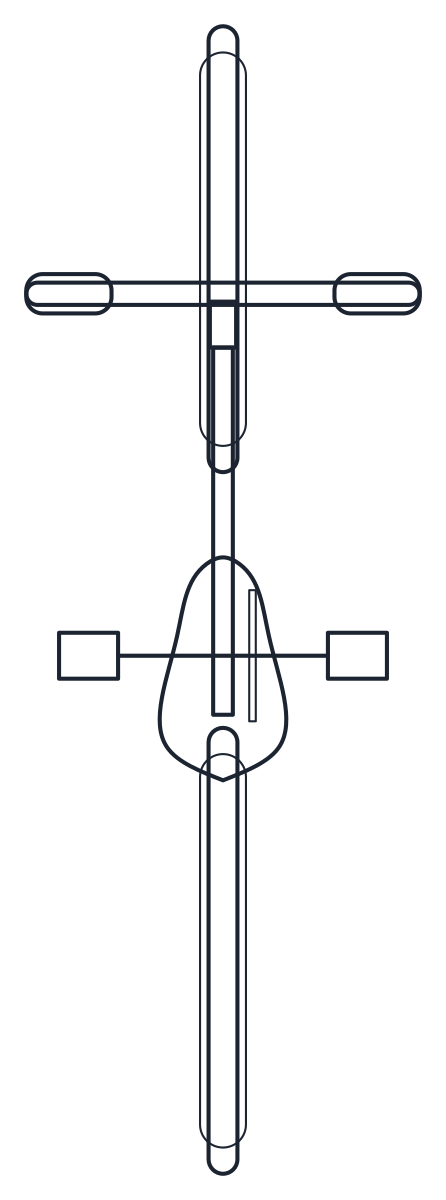 Vehicles Bike CAD Blocks: Bicycle and Bike Rack
 -
 Vehicles Truck CAD Blocks
 -
 Vehicles Car CAD Block Plan and Side View
Vehicle blocks tell you how much room a car, a delivery truck or a row of bicycles really takes. You drop them into a site plan, a garage, a car park or a street section to check widths, lengths and turning room before anything gets built. This category covers four car types, trucks and a bus, an ambulance, bicycles and a bike rack, a motorcycle and a scooter, a forklift and two parking bay layouts.
CAD blocks of cars in top and side view
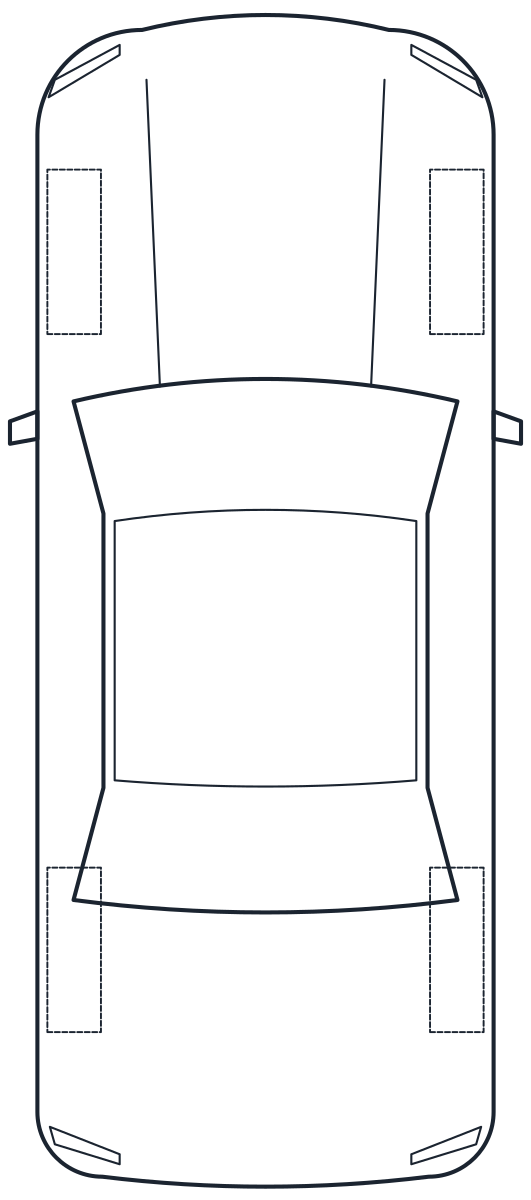
The car blocks in plan and side view come in four body types. The sedan is 4,700 mm long and 1,830 mm wide with a 2,800 mm wheelbase. The hatchback is 4,100 mm long, the SUV 4,700 mm with 200 mm of ground clearance, and the double cab pickup 5,300 mm with a 1,550 x 1,500 mm load bed.
The wing mirrors are drawn outside the body. With mirrors the sedan measures 2,050 mm and the SUV 2,140 mm, and that is the width that decides whether two cars fit side by side or a driver can open a door next to a wall. The wheels hidden under the body sit on the A-HIDN layer, so you can switch them off for a cleaner plan.
Vehicle CAD blocks for loading bays, streets and warehouses
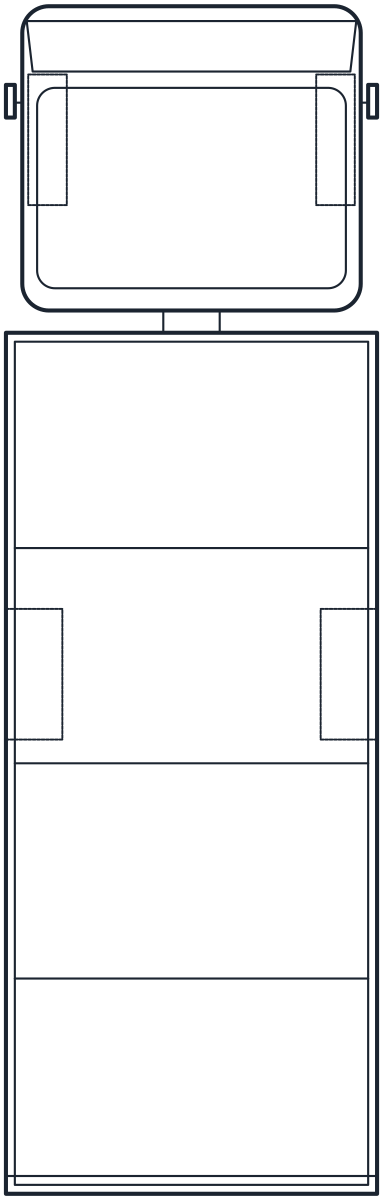
For service yards and road layouts there are box truck, semi-trailer, bus and ambulance blocks. The box truck is 8,000 mm long with its load floor at 1,150 mm, a useful figure when you set the height of a loading dock. The articulated truck is 16,500 mm overall with a 13,600 mm tri-axle trailer. The low floor bus is 12,000 mm long with a 340 mm entry step, and the ambulance is 6,000 mm long and 2,450 mm wide over the mirrors.
Inside a warehouse, the 2.5 t counterbalance forklift block shows the forks and the 2,150 mm overhead guard, and the truck is rated for a 3,300 mm lift height. Its 2,200 mm turning radius is the number to test against aisle widths between racks.
Car DWG blocks for garages and parking layouts
The parking bay blocks are a set of three 90 degree bays of 2,500 x 5,000 mm and an accessible bay with a hatched 1,200 mm access aisle, both drawn with 100 mm lines. A sedan with its mirrors leaves about 450 mm to spare in a 2,500 mm bay, which shows why wider bays are often used next to walls and columns. Parking dimensions are set by local regulations, so check them before you finalise a car park.
Two wheelers have their own pages. The bicycle and bike rack blocks include a rack for five bikes at 470 mm spacing, set in alternate directions so the handlebars clear each other. The motorcycle and scooter blocks are 2,100 mm and 1,800 mm long.
AutoCAD car blocks: views, layers and insertion point
Each file holds two named blocks, one ending in _PLAN and one in _ELEV. In plan the vehicle points up the sheet with the rear at the base. The elevation is a side view with the front to the right and the wheels on the ground line. Everything is drawn at 1:1 in millimetres, and the file declares its units, so a drawing set up in inches converts the block on insertion. Outlines are on A-VEHI and secondary detail lines on A-VEHI-DETL.
The DWG files are saved as AutoCAD 2010, so they open in AutoCAD and AutoCAD LT 2010 and every later release, and in BricsCAD, ZWCAD and DraftSight. The DXF opens in practically any CAD program and carries the same geometry and layers.
Car CAD blocks: common questions
Are the car blocks real makes and models?
No. They are generic body types drawn at typical sizes, so they read as a sedan, an SUV or a pickup without belonging to any brand.
Can I use these vehicle blocks in client work?
Yes. They are free for personal and commercial drawings, with no attribution required. The blocks license has the details.
How do I bring in only the top view?
Open the file in DesignCenter and drag the _PLAN block into your drawing. The guide to inserting a CAD block walks through it, including units.
Why does the car look 25.4 times too big?
Your drawing units are probably set to inches while the block is in millimetres. Check them with the UNITS command and insert again.